
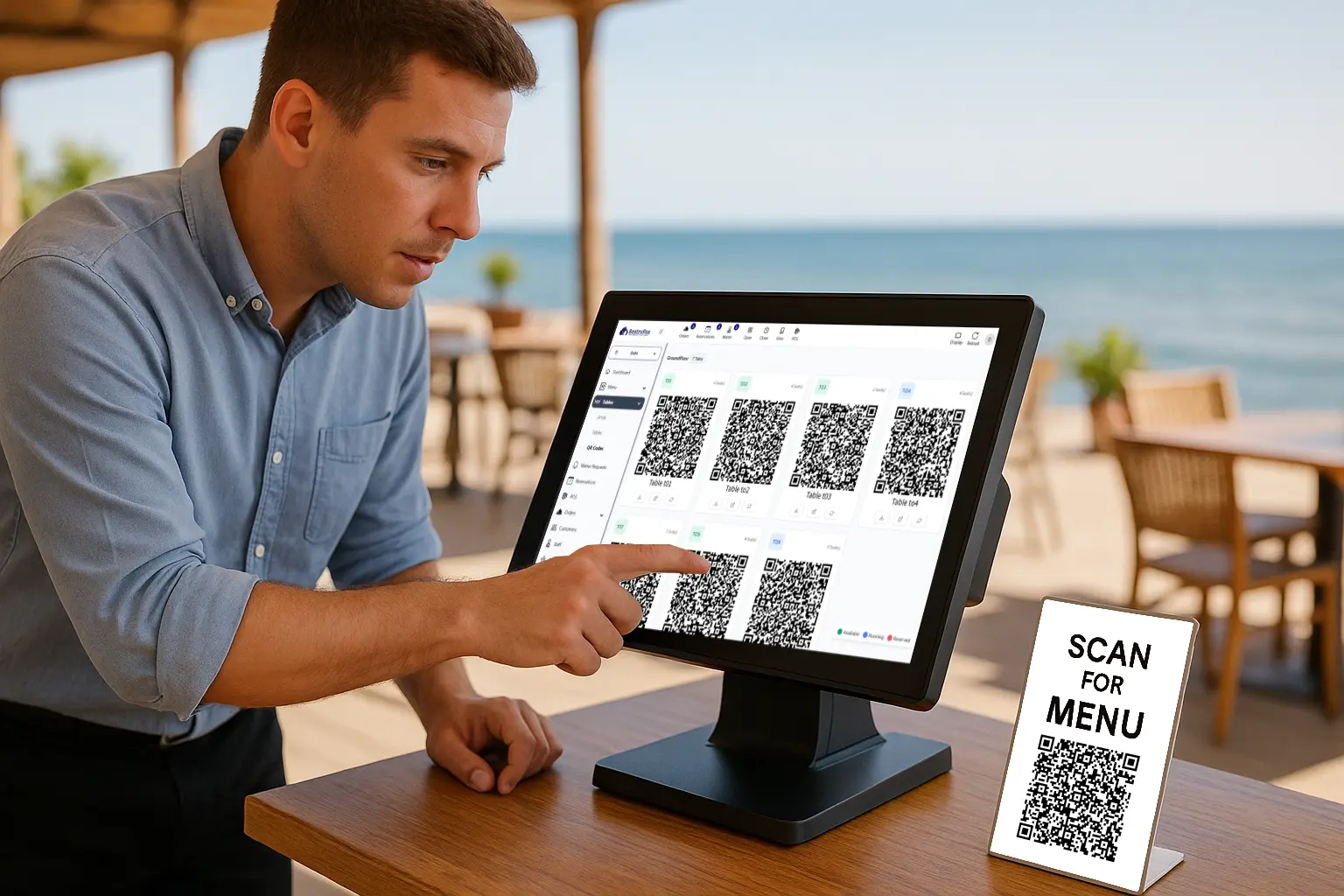
The restaurant industry has embraced digital transformation, with QR code menus for restaurants becoming a standard feature in dining establishments worldwide. Combined with the right point-of-sale technology, these innovations can streamline operations while keeping costs manageable. This guide explores how to create a menu QR code and select affordable pos systems for restaurants that fit your budget.
Table of Contents:
Why QR Code Menus Matter for Modern Restaurants
Digital menus accessed through QR codes offer numerous advantages for both restaurant owners and diners. They eliminate printing costs, allow instant updates to pricing and items, and provide a contactless dining experience that customers appreciate. More importantly, they integrate seamlessly with modern restaurant management systems.
How to Create a Menu QR Code: Step-by-Step
Creating a digital menu with QR code access is simpler than you might think. Here’s how to get started:
Step 1: Digitize Your Menu Convert your existing menu into a digital format. You can use a PDF, create a simple webpage, or utilize specialized menu platforms. Ensure the design is mobile-friendly since customers will view it on their smartphones.
Step 2: Choose a QR Code Generator Several free and paid QR code generators are available online. Look for platforms that offer dynamic QR codes, which allow you to update menu content without changing the code itself.
Step 3: Generate and Test Input your menu URL into the generator, customize the design if desired, and create your QR code. Always test it with multiple devices before printing to ensure it works properly.
Step 4: Print and Display Print your QR codes on table tents, stickers, or signage. Place them prominently where customers can easily scan them upon seating.
Finding the Cheapest Restaurant POS Software
While QR menus enhance the customer experience, your backend operations need robust technology too. The good news is that you don’t need to break the bank to find quality solutions.
When searching for the cheapest restaurant pos software, consider these factors:
Core Features: Even budget-friendly systems should offer order management, payment processing, inventory tracking, and basic reporting. Don’t sacrifice essential functionality for price alone.
Pricing Structure: Some systems charge monthly subscriptions, while others take a percentage of transactions. Calculate which model works better for your sales volume.
Scalability: Choose software that can grow with your business. The cheapest option today should still serve you as you expand.
Integration Capabilities: Ensure your POS can integrate with your QR menu system, online ordering platforms, and accounting software.
Top Considerations for Affordable POS Systems for Restaurants
Beyond finding affordable pos systems for restaurants, focus on value rather than just low cost. Here’s what matters:
Hardware Requirements: Some systems work with existing tablets and smartphones, reducing upfront hardware costs significantly. Others require proprietary equipment that can increase initial investment.
Customer Support: Budget systems sometimes skimp on support. Ensure you’ll have access to help when technical issues arise, especially during peak service hours.
Payment Processing: Compare transaction fees carefully. A system with a low monthly fee but high processing rates might cost more in the long run than one with higher subscription costs but better processing rates.
Cloud-Based Solutions: Cloud technology typically offers better pricing than traditional systems. You’ll also benefit from automatic updates and remote access to your data.
Making QR Menus and POS Work Together
The real efficiency comes when your digital menu system integrates with your point-of-sale technology. This connection allows orders placed through QR codes to flow directly to your kitchen, reduces manual entry errors, and provides comprehensive sales data.
Look for systems where customers can scan, browse, order, and pay through the QR code interface while the information automatically syncs with your POS. This end-to-end solution maximizes efficiency without requiring expensive custom development.
Conclusion
Implementing QR code menus for restaurants alongside affordable technology doesn’t mean compromising on quality. By carefully selecting solutions that meet your specific needs, you can modernize your operation while maintaining healthy profit margins. Start with free tools to create your menu QR codes, then invest thoughtfully in POS software that balances cost with functionality. The result will be a more efficient restaurant that delivers excellent customer experiences without unnecessary expenses.